
Refunding a payment is a simple and straight forward process. If your payment request has not yet been processed by your customer head to our Canceling a payment request guide to see how to cancel a payment request.
Step 1: Find the payment you'd like to refund
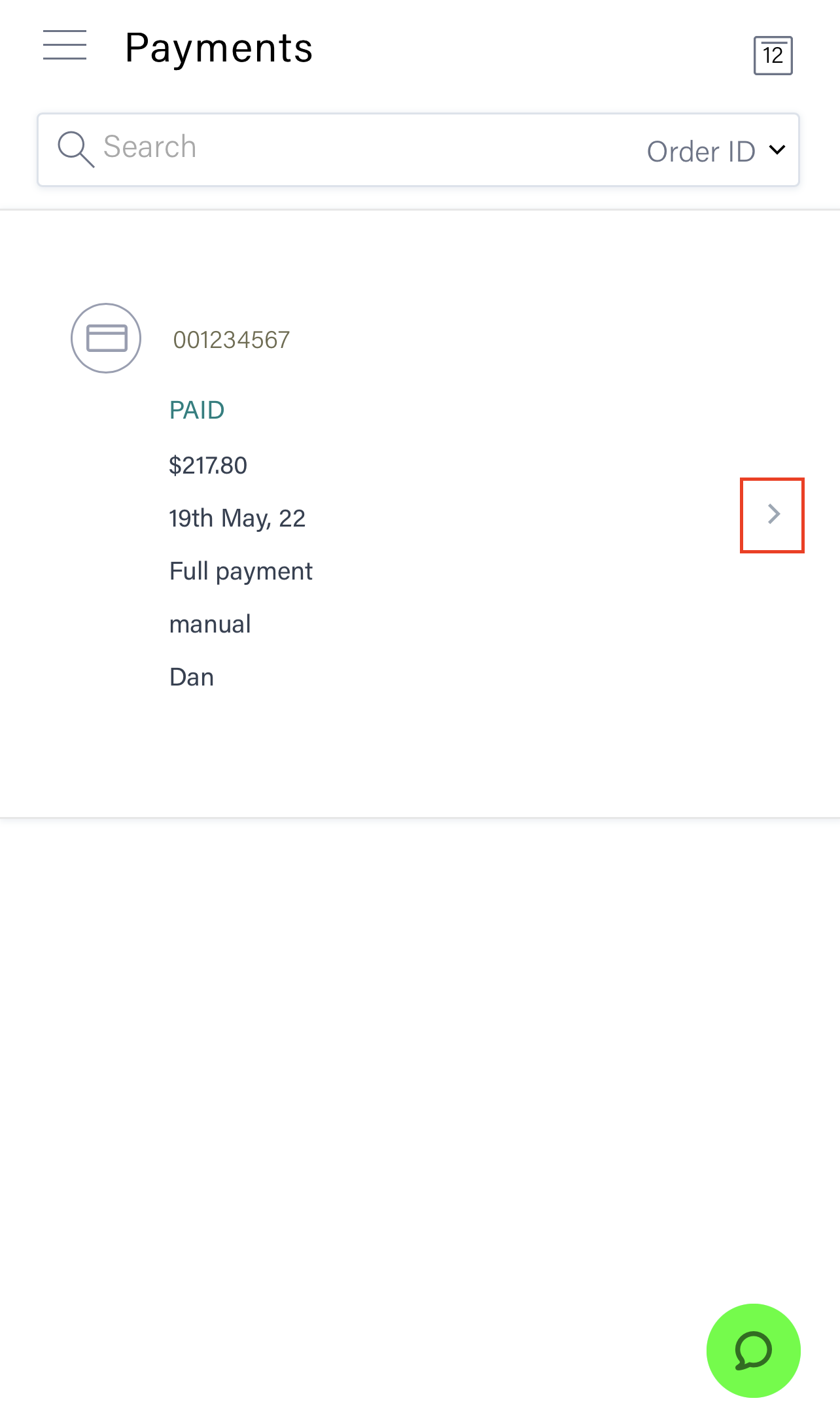
Open the LaddrPay dashboard and head to the menu 'Completed payments'. Scroll down your list or use the search bar across the top to find the order and then tap the arrow to the right of the payment and click 'Refund payment' as below.
Step 2: Refunding the payment
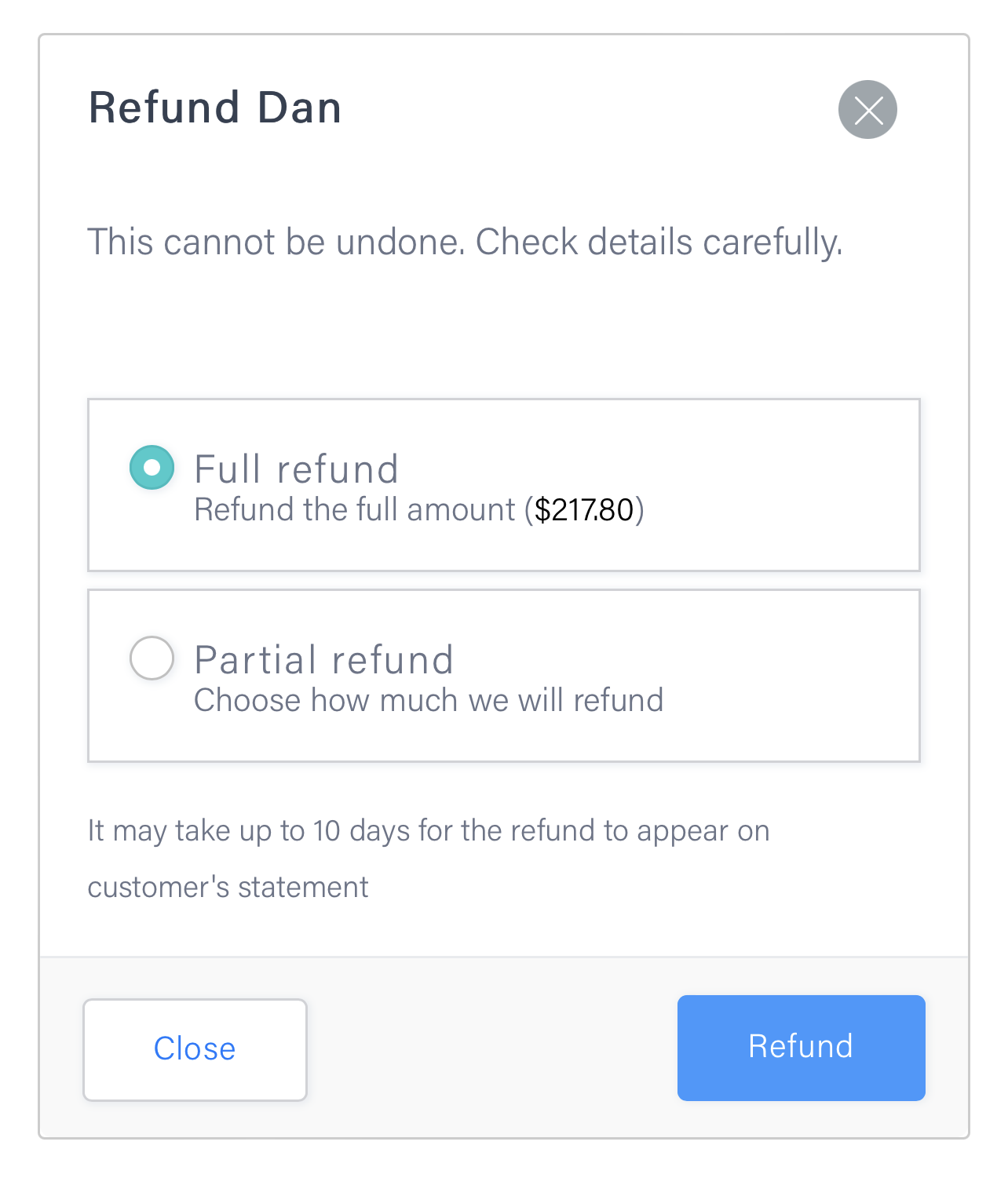
Once in the payment details page, click the blue refund button at the top of the page. Next select either full refund or Partial refund. If you select partial refund, you'll need to type in how much you'd like to refund before clicking the blue 'Refund' button.
TIP - Before processing a refund make 100% sure you're refunding the correct amount as refunds can not be reversed.
TIP - Transactions fees are NOT refunded to your customer when you process a refund.
...and you're done!