
Creating your LaddrPay account is quick and easy.
In order to create your LaddrPay account you will have already completed the LaddrPay Merchant Agreement and returned all relevant documents to your LaddrPay representative. This generally happens during your booked onboarding session.
You'll then receive an email as below:
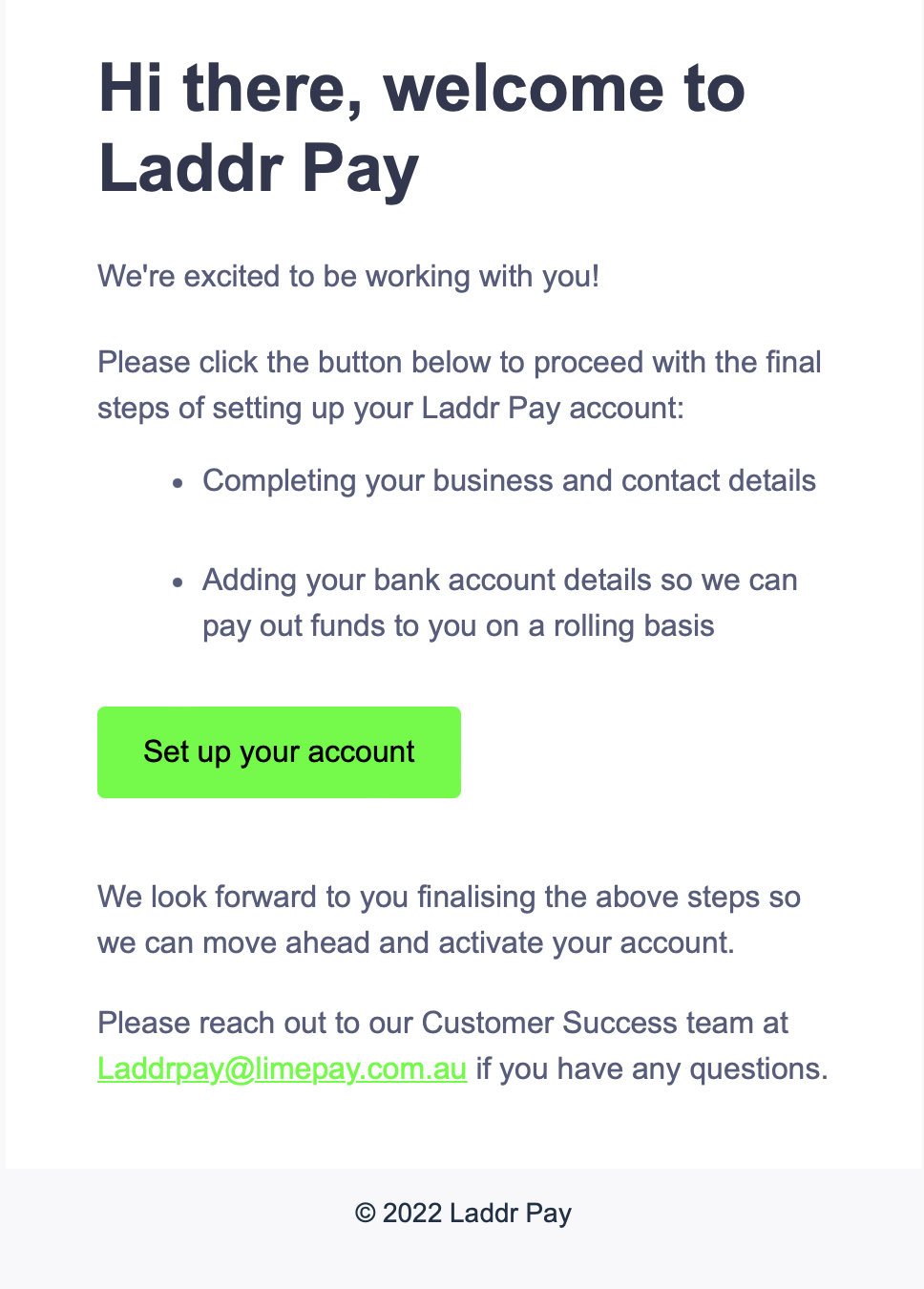 (update email)
Clicking the 'Set up your account' button will load a web page that will step you through the following steps.
Step 1: Set your password
TIP - Your password will need to be at least 8 characters long.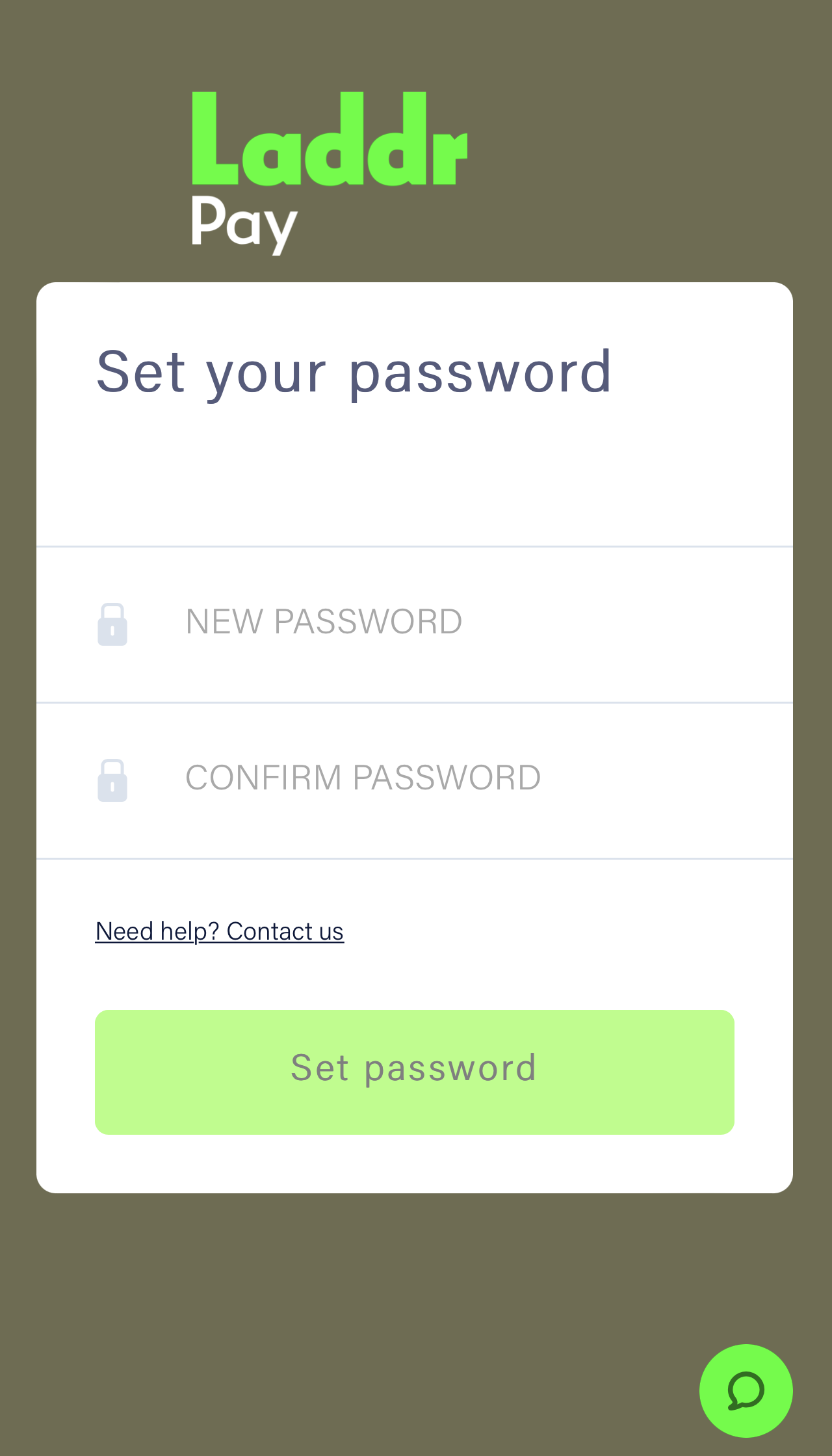
Step 2: Account Setup
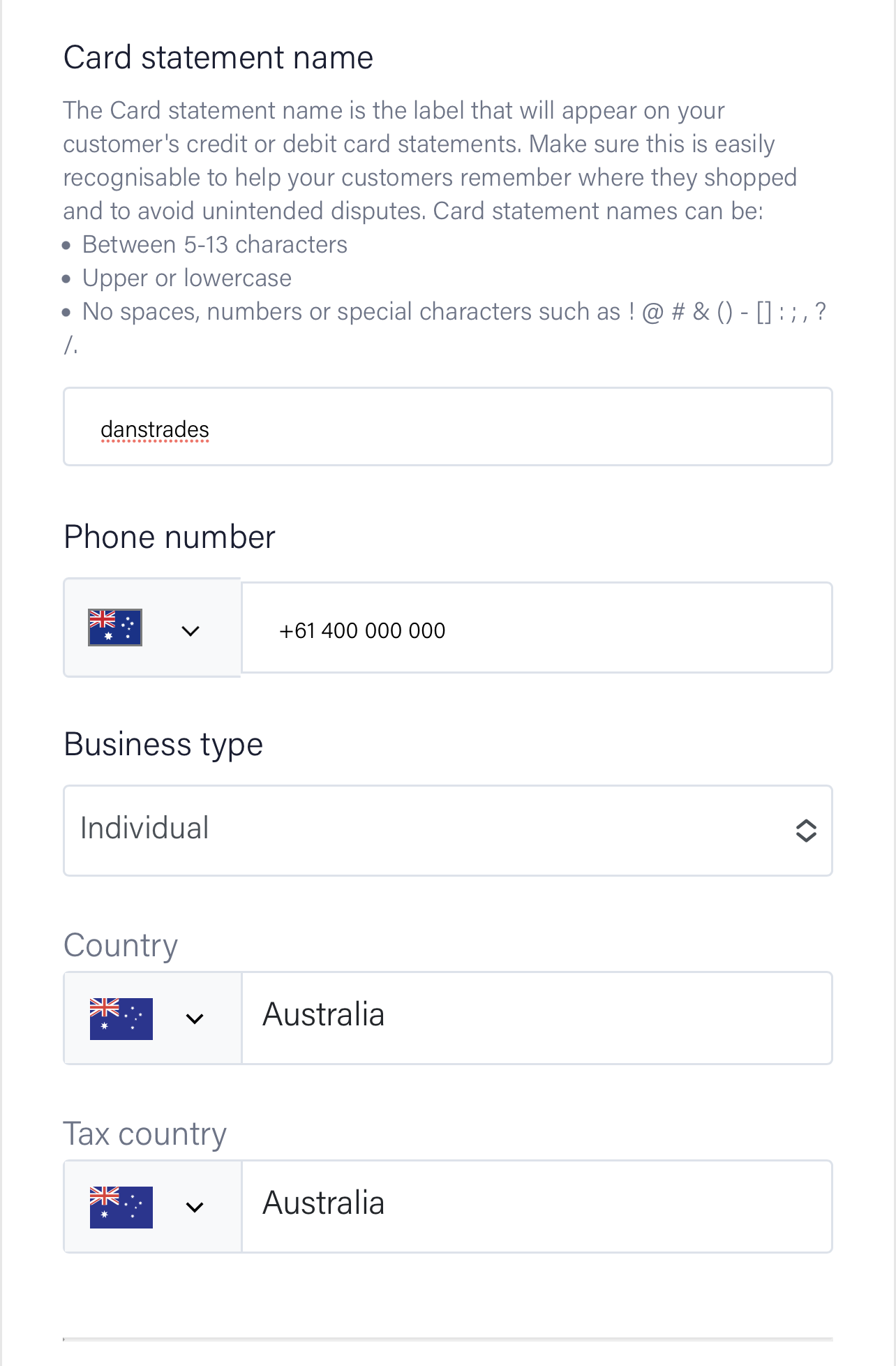
To complete account set up, each field in the screenshots below will need to be completed.
TIP - The card statement name is what appears on your customer bank statements when they makes a payment. Make sure it's easy for them to identify your business.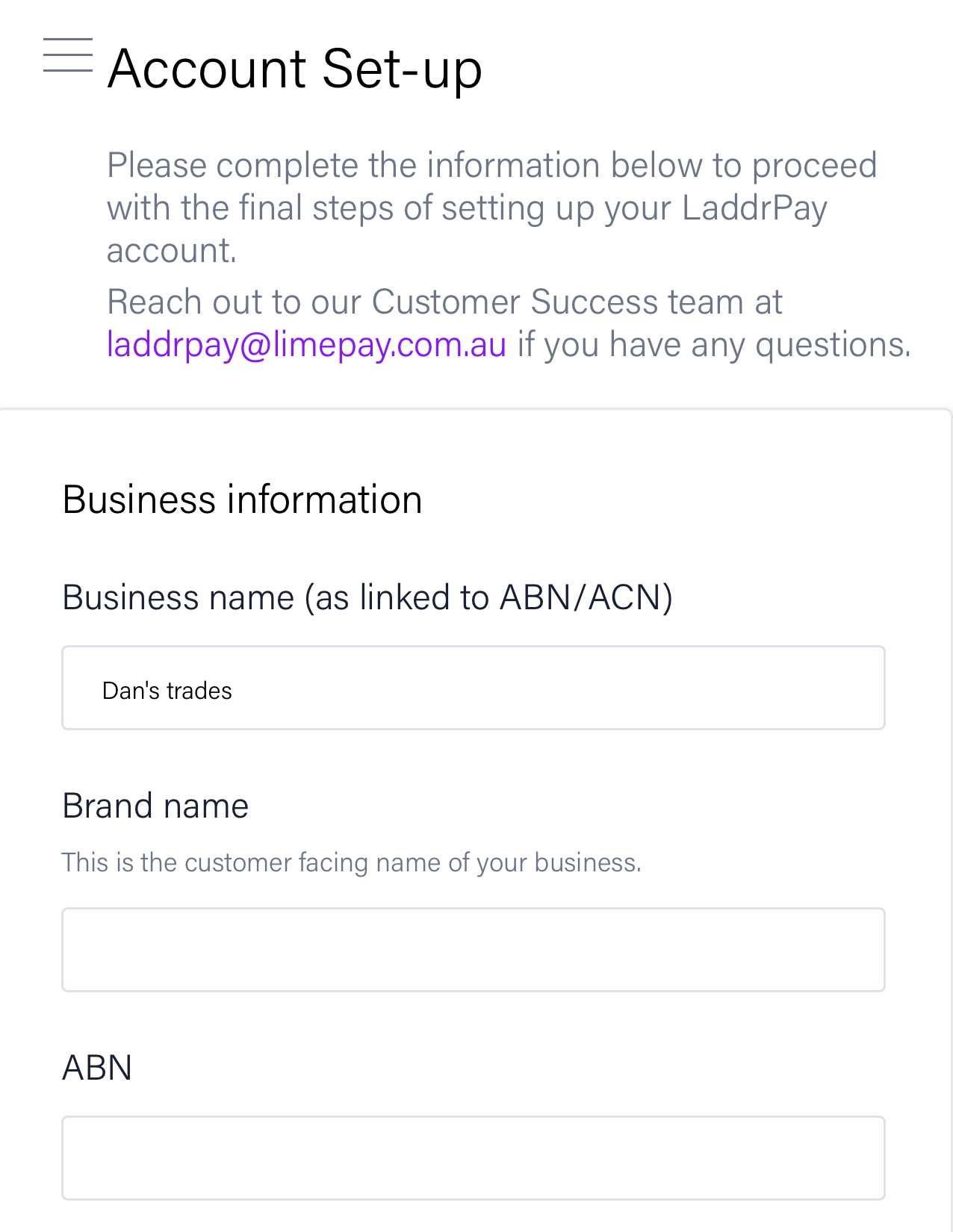
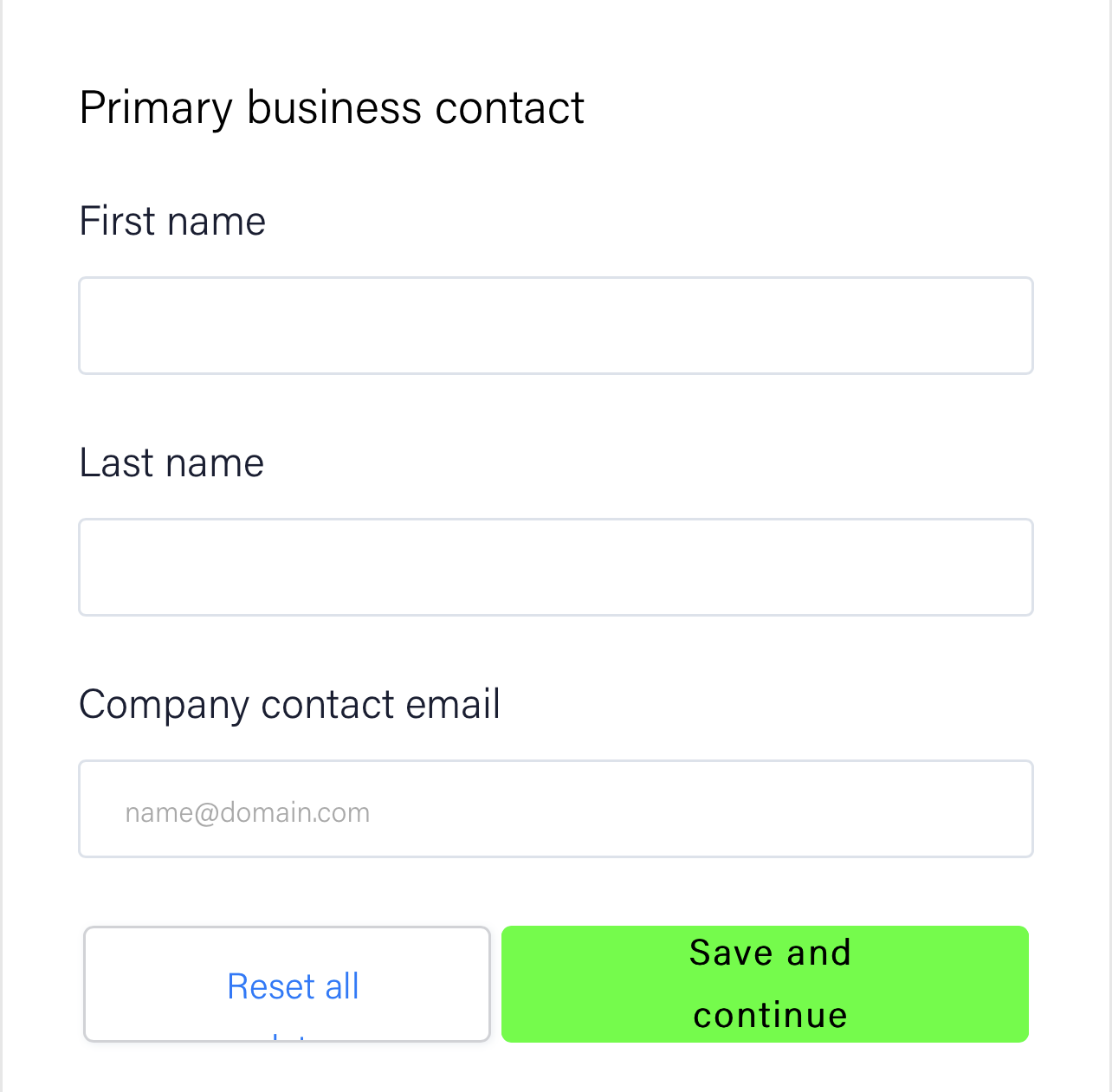
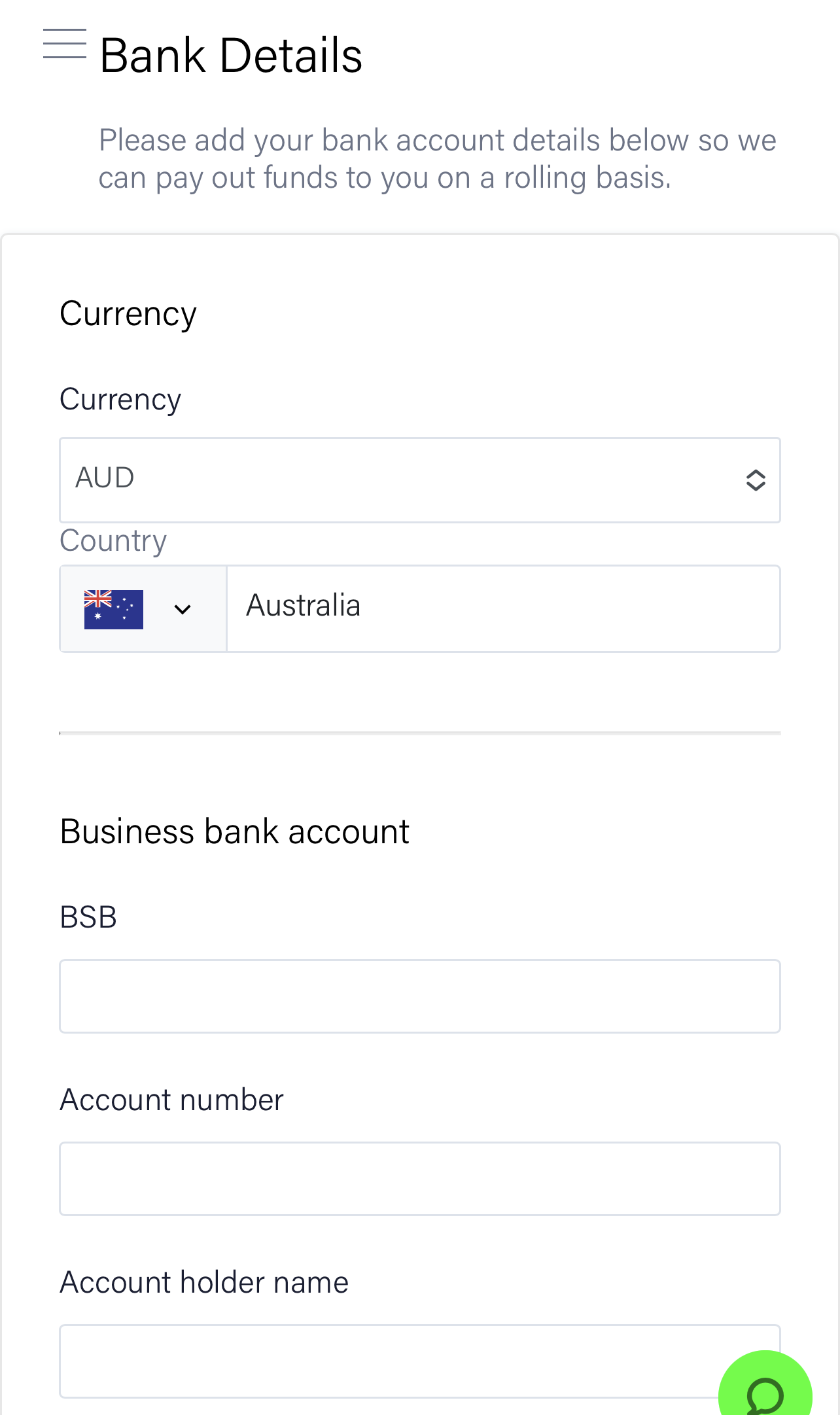
Step 3: Adding Bank Details
Next up you'll add your bank details so we can transfer your funds as well as deciding on how often you wanted transfers and where you'd like your payout reports sent.
TIP - Double check your bank account details as this is where we'll deposit your funds after your customer make a payment. For more information check out or Receiving your funds guide.
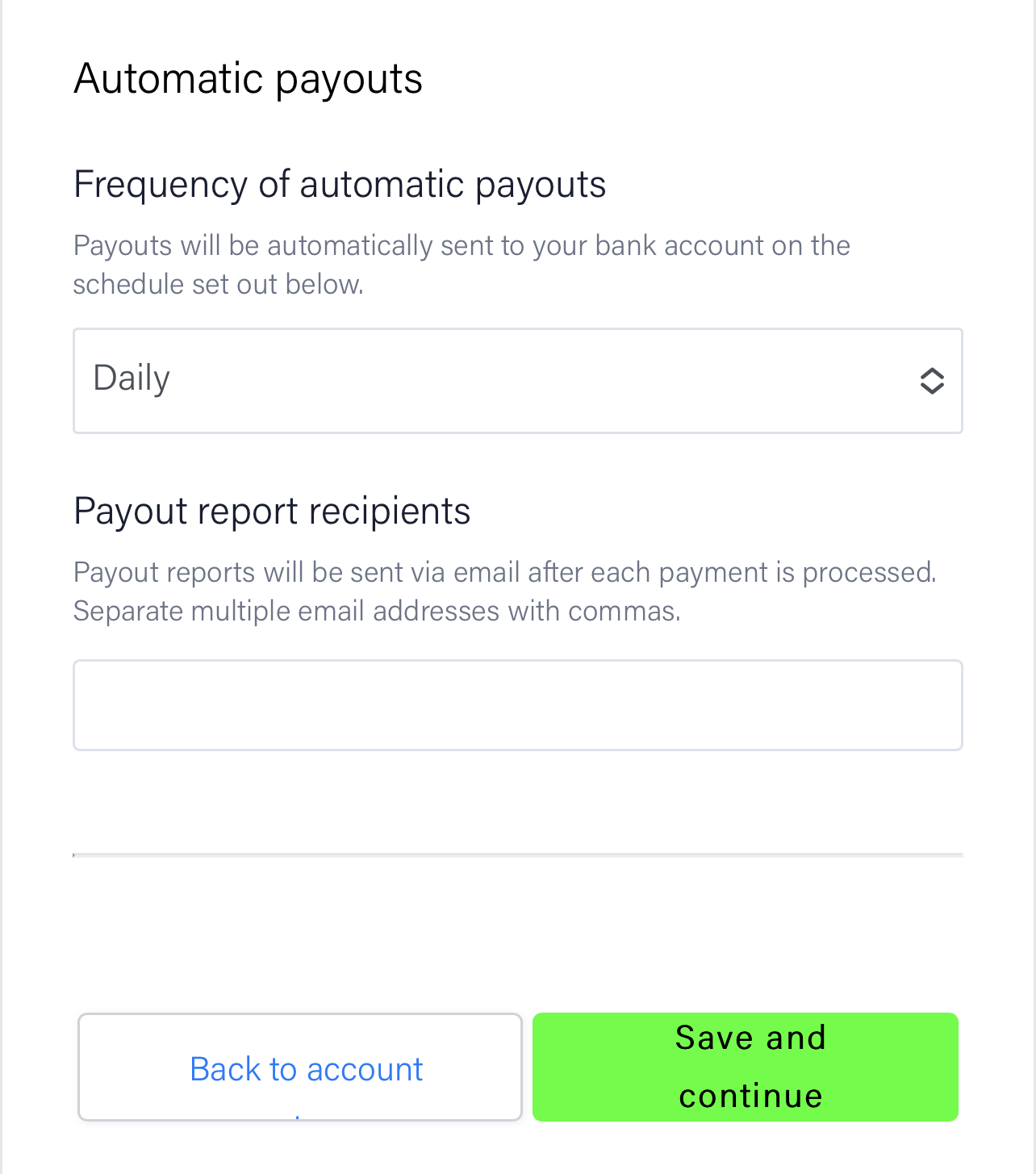
...and you're done. Your account is now set up. You'll receive the email within the next business day as pictured below when your account has been activated and is ready to start taking payments. If you've received this email, head to our creating a payment request guide to create your first order.
 (update screenshot)